Most Shopify stores spend heavily to get a visitor to the product page, then let that visitor leave with a single item in the cart. Product bundling is one of the simplest ways to change that. Done well, it raises average order value (AOV), moves slower stock, and makes buying easier for the customer, not harder.
We’ve spent more than ten years designing, building and optimising Shopify stores, and bundles are one of the first levers we test on almost every CRO project. This guide covers everything we’ve learned: what product bundling on Shopify actually is, the bundle types that work, how to price them without killing your margin, and how to set them up step by step.
What is product bundling on Shopify?
Product bundling means selling two or more products together as a single offer, usually at a better price than buying them separately. On Shopify, a bundle can be a fixed kit (a “starter set”), a set of the same item (a “3-pack”), or a flexible offer where the shopper picks the items themselves.
The goal isn’t just a discount. A good bundle answers a question the shopper already has: “What else do I need with this?” When the bundle answers that question, the customer buys more because it’s genuinely convenient, not because you pushed them.
Why product bundles work
- Higher average order value. A shopper who came for one product leaves with three. Your ad cost per order stays the same while revenue per order goes up.
- Less decision fatigue. Curated sets (“Everything you need for a 4-step routine”) remove guesswork, which helps first-time buyers commit.
- Perceived value. Seeing “Save ₹450” or “Get 1 free” next to a set makes the offer feel like a deal, even at a modest discount.
- Inventory movement. Pairing a slower seller with a bestseller helps clear stock without a blanket sale.
- Better product discovery. Customers try products they wouldn’t have picked on their own, which often leads to repeat purchases of those items.
The 5 types of Shopify product bundles
Not every bundle suits every store. Here are the formats we use most, and when each one makes sense.
| Bundle type | How it works | Best for |
|---|---|---|
| Fixed bundle | A pre-selected set of products sold together at one price. | Starter kits, routines, gift sets, “complete the look”. |
| Multipack | Several units of the same product (e.g. 3-pack). | Consumables: coffee, supplements, socks, candles. |
| Mix-and-match | Shopper picks any X items from a collection for a set price or discount. | Stores with many flavours, scents, colours or SKUs. |
| Buy X Get Y | Buy a set quantity, get another item free or discounted. | Promotions, BFCM, clearing seasonal stock. |
| Build-a-box | A guided, step-by-step builder where the shopper fills a box. | Gifting, snacks, beauty boxes, subscriptions. |
1. Fixed bundles
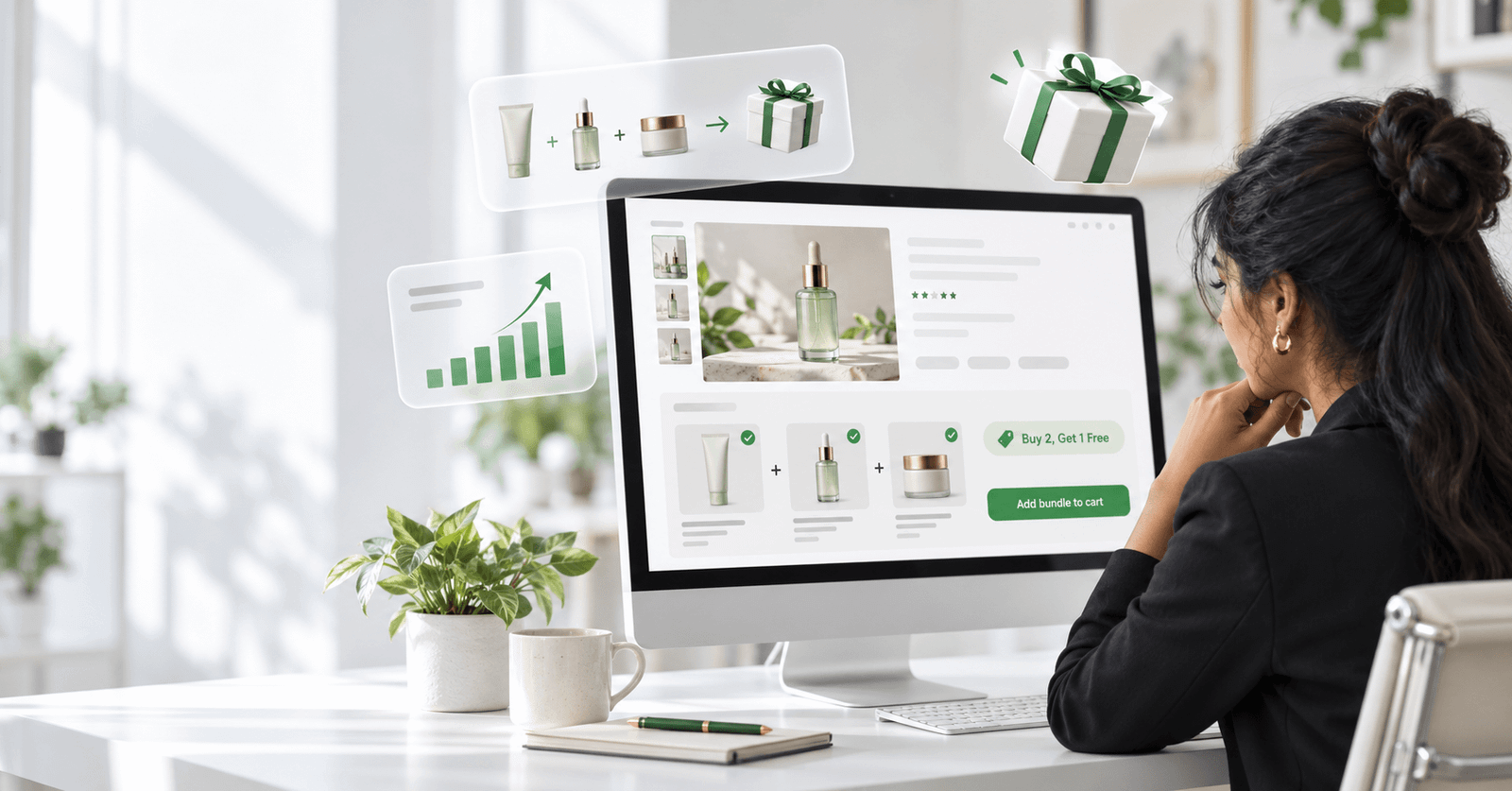
The simplest format. You decide the products and the price. A skincare brand might sell “Cleanser + Toner + Moisturiser” as a Morning Routine Kit. Fixed bundles work best when the products have an obvious story together.
2. Multipacks
Ideal for anything customers use up. “Buy 3 bags, save 15%” both raises AOV and delays the next time a customer needs to shop around, which helps retention.
3. Mix-and-match bundles
This is where bundling gets powerful for stores with wide catalogues. Instead of guessing which combination customers want, you let them choose: “Pick any 4 scents for ₹1,999.” One configuration covers hundreds of combinations, and shoppers feel in control.
4. Buy X Get Y
Classic promotional bundling: “Buy 2, get 1 free” or “Buy any 3, get 20% off.” It’s easy for shoppers to understand at a glance, which makes it a strong choice for sale periods.
5. Build-a-box
A guided experience where the shopper fills a box step by step, often with a progress bar (“2 of 6 added”). It turns buying into something closer to playing, and it’s especially effective for gifting.
Bundle pricing: how to discount without losing margin
The most common mistake we see is a bundle discount picked by gut feel. Start with the numbers instead.
A simple example. Say you sell three products at ₹800, ₹1,000 and ₹600, a total of ₹2,400. Your product cost is about 40% of price, so the three cost you ₹960.
- Sold separately at full price: ₹2,400 revenue, ₹1,440 gross profit.
- Bundled at 15% off (₹2,040): ₹1,080 gross profit.
That looks like you’re losing ₹360. But the real comparison isn’t “bundle vs. all three at full price”. Most of those customers would only have bought one product. If the typical shopper would have bought just the ₹1,000 item (₹600 gross profit), the bundle earns you ₹480 more per order, and shipping and ad cost are spread over three items instead of one.
Pricing rules we use with clients
- Keep discounts between 10% and 20% for most bundles. Beyond that, test carefully. Deeper discounts can cheapen the brand.
- Show the saving clearly as a currency amount (“Save ₹360”) when the number is big, and as a percentage when the percentage sounds bigger.
- Tier the discount for mix-and-match: buy 2 save 10%, buy 3 save 15%, buy 4 save 20%. This nudges shoppers to the next tier.
- Anchor with your bestseller. Bundles built around a hero product convert better than bundles of slow movers.
- Protect free-shipping thresholds. Price bundles so they comfortably clear your free-shipping minimum.
How to create product bundles on Shopify
You have three routes, depending on the bundle types you need.
Option 1: Shopify’s free Bundles app
Shopify offers its own free Bundles app. It handles fixed bundles and multipacks directly from your admin and keeps inventory in sync for each component product. If all you need is a few fixed kits, it’s a sensible starting point.
Where it falls short is flexibility. It doesn’t offer mix-and-match or build-a-box experiences, and you have limited control over how the bundle looks on your storefront. That’s where most growing stores move to a dedicated bundle app.
Option 2: Shopify discounts (no app)
You can approximate a bundle with Shopify’s built-in automatic discounts, for example a “Buy X Get Y” discount or an amount-off discount on a collection. This works for simple promotions but gives the shopper no bundle interface; they have to add each item to the cart themselves and trust that the discount applies.
Option 3: A dedicated bundle app
For mix-and-match, Buy X Get Y and build-a-box bundles with a proper on-page builder, a bundle app is the right tool. Our team built BundleDock for exactly this, and it’s free to install. Here’s how a typical setup looks:
- Create a bundle inside the app and choose the type: fixed, mix-and-match or Buy X Get Y.
- Select the products or a whole collection that customers can choose from.
- Set the rules: how many items make a bundle, and the discount for each quantity tier.
- Style it to match your theme: heading, labels, buttons, colours, spacing and layout.
- Preview on desktop, tablet and mobile before you go live.
- Publish it to any page through a Shopify theme app section: product page, homepage or a dedicated bundle landing page.
Because the bundle uses your existing Shopify products, cart and checkout, there’s no duplicate product catalogue to manage.
Product bundling examples by industry
- Skincare and beauty: a 3-step routine kit, or “pick any 3 serums”.
- Health and wellness: a 30-day supplement stack, or a multipack of a bestselling protein.
- Fashion: “complete the look” (top + bottom + accessory), or “any 3 tees for ₹1,499”.
- Food and beverage: build-your-own snack box, or a coffee sampler of 4 origins.
- Home and candles: mix-and-match scent sets; a gift box with candle, diffuser and matches.
- Kids and baby: a newborn essentials kit, or “buy 2 toys, get 1 free”.
Where to place bundles for the best conversion
The bundle itself is only half the job. Placement decides whether anyone sees it.
- Product page, near the add-to-cart button. This is the highest-intent spot. Show the bundle as the “better value” option right beside the single item.
- Homepage section. A featured “Build your box” or “Bestseller bundles” section catches visitors who haven’t chosen a product yet.
- Dedicated bundle landing page. Ideal for paid ads and seasonal campaigns. Send traffic straight to the builder.
- Collection pages. A banner such as “Mix any 3 from this collection and save 15%” turns browsing into bundling.
Common product bundling mistakes
- Bundling unrelated products. If the items don’t make sense together, the bundle feels like a dumping ground.
- Too many choices in one builder. Fifty options in a mix-and-match box slows people down. Curate.
- Hiding the saving. If shoppers have to calculate the discount themselves, the bundle loses its pull.
- Poor mobile layout. Most Shopify traffic is mobile. Test the builder on a phone before launch.
- Never testing. Run a bundle for two to four weeks, compare AOV and conversion rate, then adjust the discount, products or placement.
Seasonal bundles: plan for BFCM and the holidays now
Gift sets and “build a gift box” offers are some of the strongest performers of the year during Black Friday, Cyber Monday and the holiday season. Set them up a few weeks early so you have time to test the layout and get pages indexed before traffic peaks.
Frequently asked questions
Does Shopify have built-in product bundling?
Yes. Shopify’s free Bundles app supports fixed bundles and multipacks. For mix-and-match, Buy X Get Y and build-a-box bundles with an on-page builder, you’ll need a third-party bundle app.
How do I create a bundle on Shopify without an app?
You can use Shopify’s automatic discounts (for example a Buy X Get Y discount) to reward buying several items together. It works, but there’s no bundle interface on the storefront, so conversion is usually lower than with a dedicated builder.
What is a good discount for a product bundle?
For most stores, 10% to 20% off the combined price is a healthy range. Work out your gross margin first and compare the bundle against what a typical customer would have bought without it.
Is there a free Shopify bundle app?
Yes. Shopify’s own Bundles app is free for fixed bundles and multipacks, and BundleDock is free to install for mix-and-match and Buy X Get Y bundles.
Do product bundles really increase average order value?
When bundles are relevant, clearly priced and placed near the add-to-cart button, they reliably lift AOV, because they give shoppers a good reason to buy more than one item in a single order.
Want bundles that actually move your numbers?
Bundling is one of the quickest AOV wins on Shopify, but the results depend on the right products, pricing and placement for your store. Hopiant’s CRO team has helped 200+ Shopify brands design and test offers like these.
Want an expert look at where bundles could fit in your store? Start with our free Shopify audit, and read our Shopify SEO guide for 2026 to bring more of the right traffic to those bundles.