
Introduction
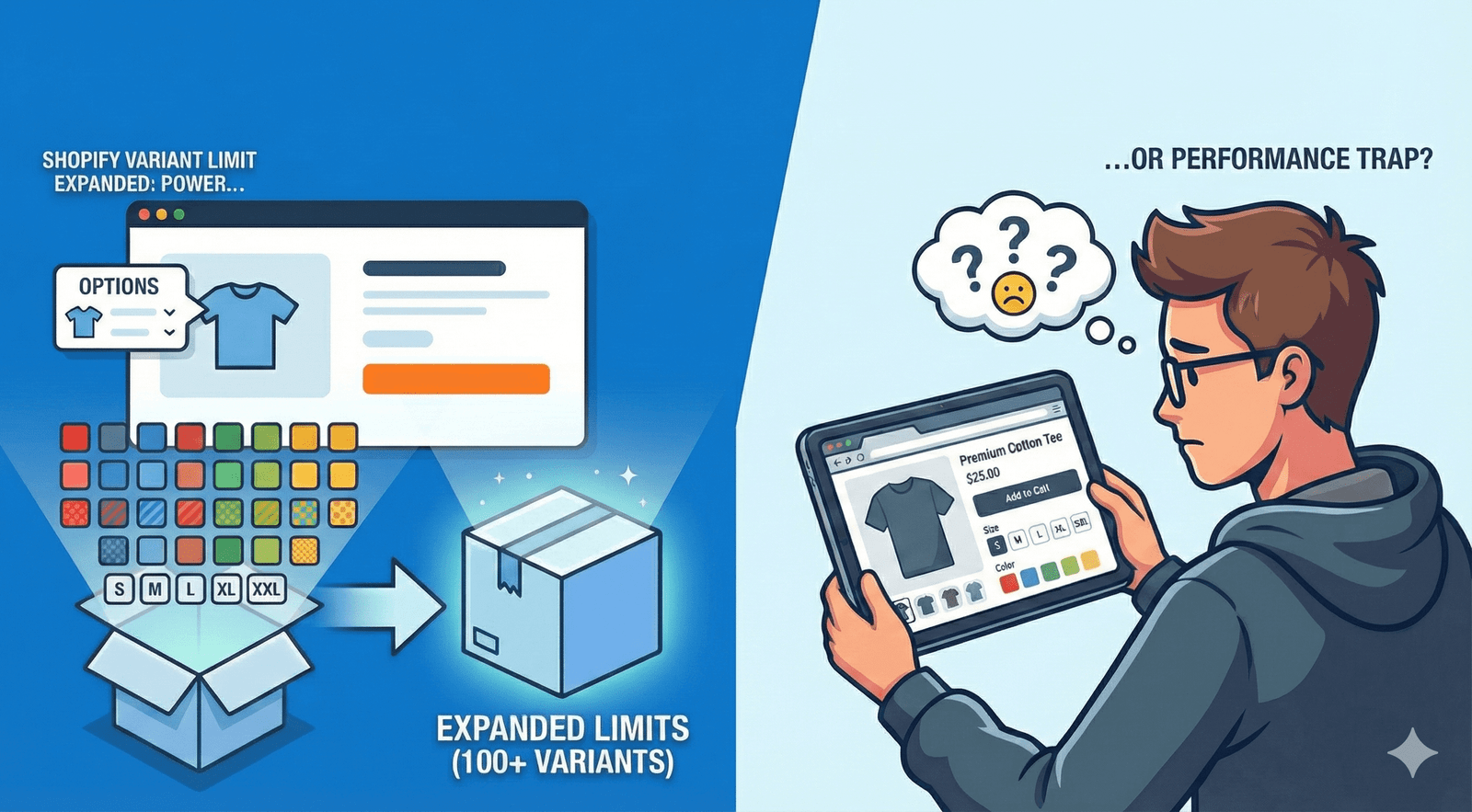
Shopify’s decision to expand the product variant limit from 100 to 2,048 has quickly become one of the most talked-about updates of the year. For merchants, developers, and agencies, this change promises unprecedented flexibility — eliminating tedious workarounds and enabling more complex product configurations.
But while this update opens the door to creativity and convenience, it also raises a critical question:
Will more variants enhance customer experience — or quietly slow it down?
This article explores both sides of the change. We’ll look at what the new limit means for your Shopify store, how to use it strategically, and how to perform a Variant Reality Check — a practical framework to determine when “more” becomes “too much.”
What Is Shopify’s New Product Variant Limit?
Until recently, Shopify restricted merchants to a maximum of 100 product variants per item. This meant brands often had to split products into multiple listings, use metafield extensions, or depend on third-party apps to manage large catalogs.
With the October 15, 2025, update, merchants can now create up to 2,048 variants per product.
This enhancement is particularly transformative for:
- Fashion brands offering multiple sizes, colors, and fits
- Electronics companies with configurable specifications
- Furniture and lifestyle brands needing detailed options (e.g., materials, finishes, dimensions)
The new limit consolidates what was once fragmented, helping merchants manage inventory more efficiently and provide a unified shopping experience.
Why the Update Matters
Community reactions have been largely positive:
- Simplified catalog management: No more metafield or third-party workarounds.
- Cleaner backend operations: Easier reporting and product maintenance.
- SEO improvements: All variants now share one canonical URL, improving keyword targeting.
- Improved user experience: Customers can view all product options on a single page.
However, several experts have also highlighted the risks associated with “variant inflation.” If merchants add too many variants without optimization, store performance and customer clarity can suffer.
The Performance Paradox
While Shopify has expanded its technical boundaries, the human and performance limits still exist.
Every additional variant adds:
- More data weight to your product pages
- More requests for the browser to process
- More choices for customers to interpret
When overused, these factors can lead to:
- Slower page load times
- Higher bounce rates
- Lower conversion rates
This dual slowdown — technical and cognitive — is what we call the Mirror Load Effect.
The Mirror Load Effect Explained
As your Shopify store grows, your customers’ minds do too.
As the system processes more data, the customer must make more decisions. Both kinds of friction lead to hesitation, and hesitation kills conversions.
The Variant Reality Check Framework
The Variant Reality Check is a decision-making framework designed to help merchants assess when expanding product variants will drive growth—and when they will slow performance or sales.
It focuses on three critical pillars: Clarity, Conversion, and Capability (The 3C Rule).
1. Clarity – Does It Simplify the Buying Decision?
Adding variants should make selection easier, not more confusing.
Each option should serve a clear purpose or meet a clear customer preference.
Ask yourself:
- Do my variants help users make faster decisions?
- Are similar options grouped logically (by color family, material, or feature)?
Pro Tip:
Use analytics to track variant click rates and drop-off points. If engagement rises but add-to-cart rates decline, the added variants are likely confusing buyers.
2. Conversion – Does It Improve or Dilute Sales?
Every variant should justify its existence through performance data.
Action Steps:
- Track variant-level sales and engagement.
- Remove or archive options that haven’t sold within 90 days.
- Prioritize variants that account for at least 5–10% of total conversions.
Example:
A brand offering 12 color options might find that 3 of them account for 80% of sales. Focusing on those top performers can improve both speed and clarity.
3. Capability – Can Your Store Handle It Efficiently?
Each variant adds to your product’s data load. Before expanding, ensure your store architecture, theme, and hosting are optimized for performance.
Optimization Tips:
- Use AJAX-driven loading for dynamic variant updates.
- Implement pagination for large sets of options.
- Continuously monitor Core Web Vitals, particularly First Contentful Paint (FCP) and Interaction to Next Paint (INP).
If these metrics deteriorate as variants increase, your variant count has exceeded your system’s comfort zone.
Testing Strategy: A/B Variant Experiments
A/B testing can help identify the ideal balance between variety and simplicity.
Experiment ideas:
- Variant Count Test: Compare performance between 10 variants vs. 100 variants.
- Choice Grouping Test: Test simplified variant grouping (“Spring Colors”) vs. all options visible.
- Speed vs. Sales Test: Measure whether changes in load time affect conversions.
The results often show that reducing variants improves both page performance and buyer decision speed.
How to Optimize for Performance
Even with the expanded limit, maintaining Shopify speed optimization is essential for conversions and SEO.
Follow these best practices:
- Use Speed Audit Tools: Analyze load performance with Shopify’s Analyzer, GTmetrix, or Google PageSpeed Insights.
- Compress Media Files: Optimize images and videos before upload.
- Minify Code: Reduce unused JavaScript and CSS to improve rendering performance.
- Monitor Apps: Disable or remove unnecessary apps that add variant-based scripts.
- Choose Lightweight Themes: Prefer optimized, AJAX-ready themes over visually heavy ones.
When More Variants Make Sense
Use Shopify’s 2,048 variant limit strategically when:
- You sell configurable or custom products.
- Each variant provides a distinct, valuable experience (e.g., color, fit, functionality).
- Your analytics show consistent demand across options.
- Your store’s infrastructure supports high variant counts without lag.
When Fewer Variants Perform Better
Keep your variant list lean when:
- Variants overlap or confuse customers.
- Load times exceed 3 seconds.
- Engagement rises, but conversions drop.
- Customers hesitate or abandon their cart due to too many options.
In short, clarity converts faster than complexity.
Conclusion
Shopify’s expansion from 100 to 2,048 variants is a technical triumph — but also a new test of discipline for merchants.
It offers power, but with power comes the need for precision.
The Variant Reality Check helps you strike that balance. By evaluating clarity, conversion, and capability before adding variants, you ensure your store remains fast, focused, and profitable.
Because in eCommerce, speed and simplicity aren’t just performance metrics — they’re conversion multipliers.
FAQs
1. Will adding more variants slow my Shopify store?
Yes, potentially. Each variant adds data weight, which can affect load times if not optimized properly. Use speed audits regularly to monitor impact.
2. What is the best way to manage large variant sets?
Use AJAX loading, dynamic pagination, and variant grouping to keep product pages clean and fast.
3. How often should I review variant performance?
Review monthly or quarterly. Remove low-performing variants and optimize based on sales analytics.
4. Can Shopify handle 2,048 variants without performance loss?
Yes, if optimized correctly. However, real performance depends on your theme, apps, and setup.
Key Takeaway
Shopify removed the 100-variant limit — but not the human limit of attention.
Smart merchants will use the new power to design clarity, not clutter.